

Days 3-4: Flow Control and Functions

Objective:
Learn if-else, loops (for, while, do-while), and switch-case.
Create simple examples to understand flow control.
Learn to create and call functions.
1. Flow Control
1.1 If-Else Statements:
The if-else statement is used to execute code blocks based on a condition.
void main() {
  int number = 10;

  if (number > 0) {
    print('$number is positive');
  } else if (number < 0) {
    print('$number is negative');
  } else {
    print('$number is zero');
  }
}
Explanation:
- The program checks if the
numberis greater than, less than, or equal to zero and prints the appropriate message.
1.2 Loops:
For Loop: The for loop is used to repeat a block of code a fixed number of times.
void main() {
  for (int i = 0; i < 5; i++) {
    print('i = $i');
  }
}
Explanation:
- The loop starts from
i = 0and runs untili < 5, incrementingiby 1 in each iteration.
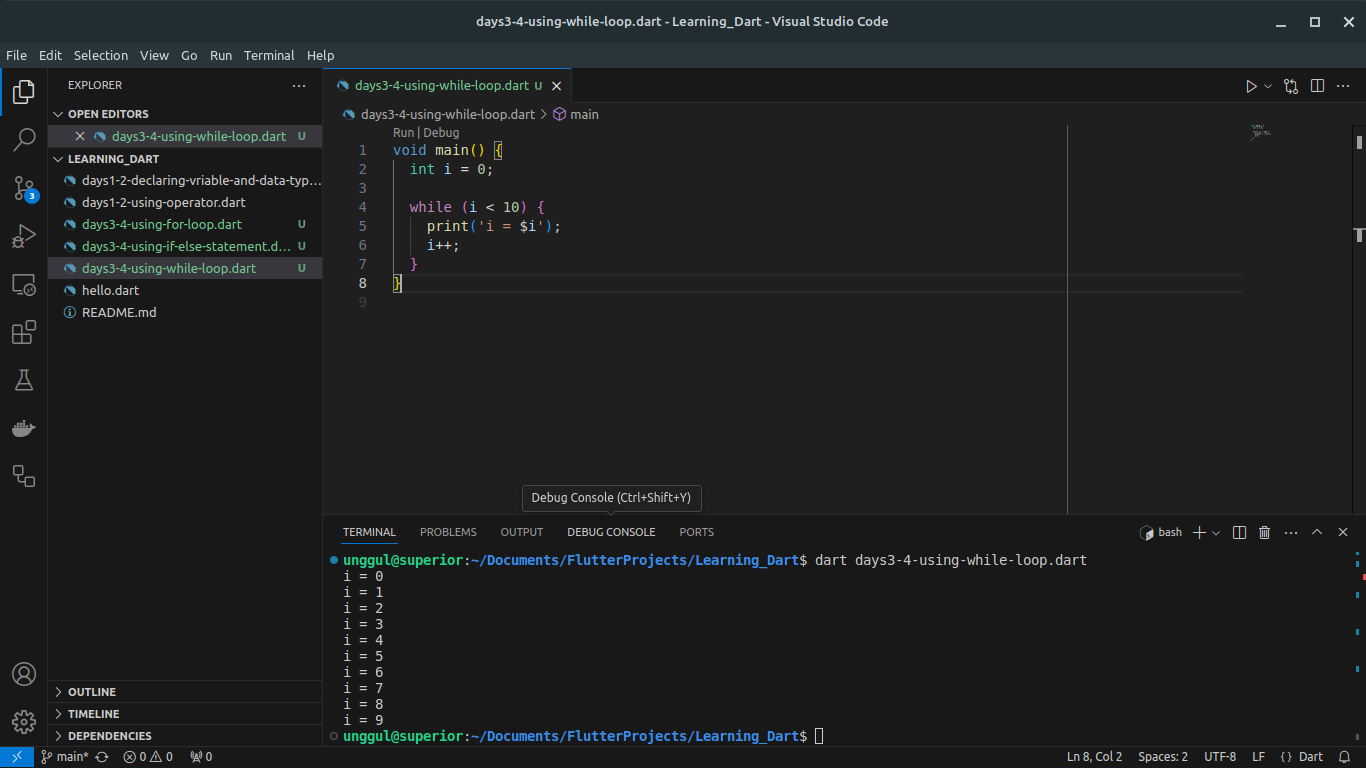
While Loop: The while loop is used to repeat a block of code as long as a condition is true.
void main() {
  int i = 0;

  while (i < 5) {
    print('i = $i');
    i++;
  }
}
Explanation:
- The loop runs as long as
i < 5and incrementsiin each iteration.
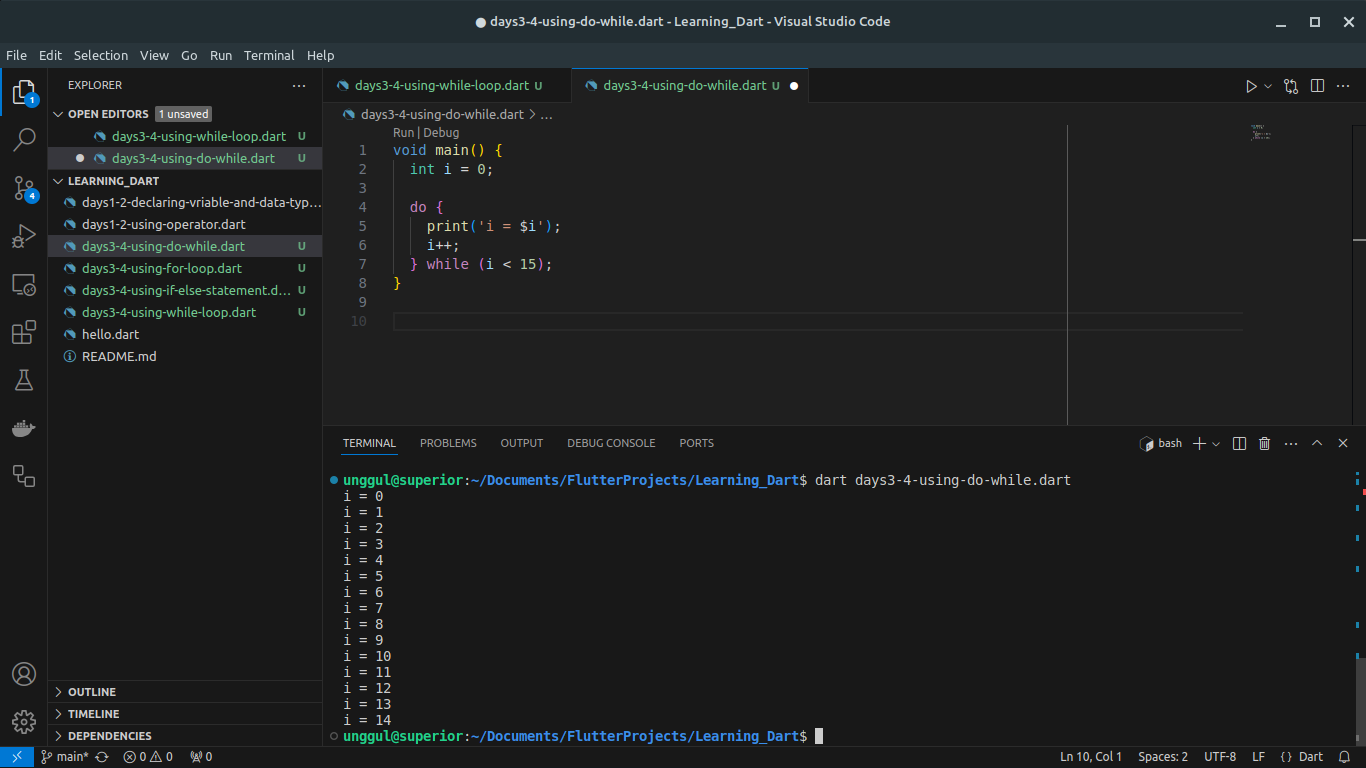
Do-While Loop: The do-while loop is similar to the while loop but guarantees at least one iteration.
void main() {
  int i = 0;

  do {
    print('i = $i');
    i++;
  } while (i < 5);
}
Explanation:
- The loop runs at least once and continues as long as
i < 5.
1.3 Switch-Case Statement:
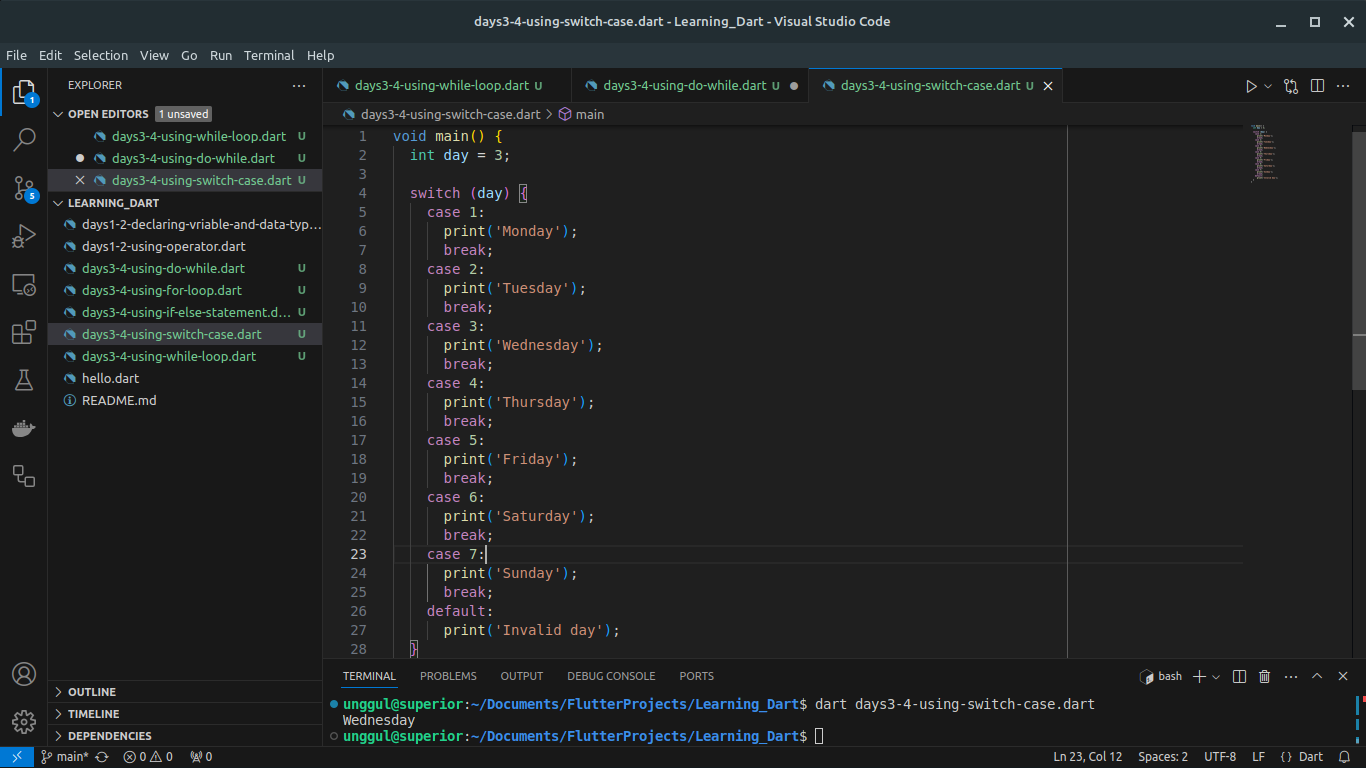
The switch-case statement is used to execute one code block among many based on the value of a variable.
void main() {
  int day = 3;

  switch (day) {
    case 1:
      print('Monday');
      break;
    case 2:
      print('Tuesday');
      break;
    case 3:
      print('Wednesday');
      break;
    case 4:
      print('Thursday');
      break;
    case 5:
      print('Friday');
      break;
    case 6:
      print('Saturday');
      break;
    case 7:
      print('Sunday');
      break;
    default:
      print('Invalid day');
  }
}
Explanation:
- The
switchstatement evaluates the value ofdayand executes the matching case.
2. Functions
Functions are reusable blocks of code that perform a specific task.
2.1 Defining and Calling Functions:
void greet(String name) {
  print('Hello, $name!');
}

void main() {
  greet('Alice');
  greet('Bob');
}
Explanation:
The
greetfunction takes aStringparameter and prints a greeting message.The
mainfunction callsgreetwith different arguments.
2.2 Returning Values from Functions:
int add(int a, int b) {
  return a + b;
}

void main() {
  int sum = add(3, 5);
  print('Sum: $sum');
}
Explanation:
The
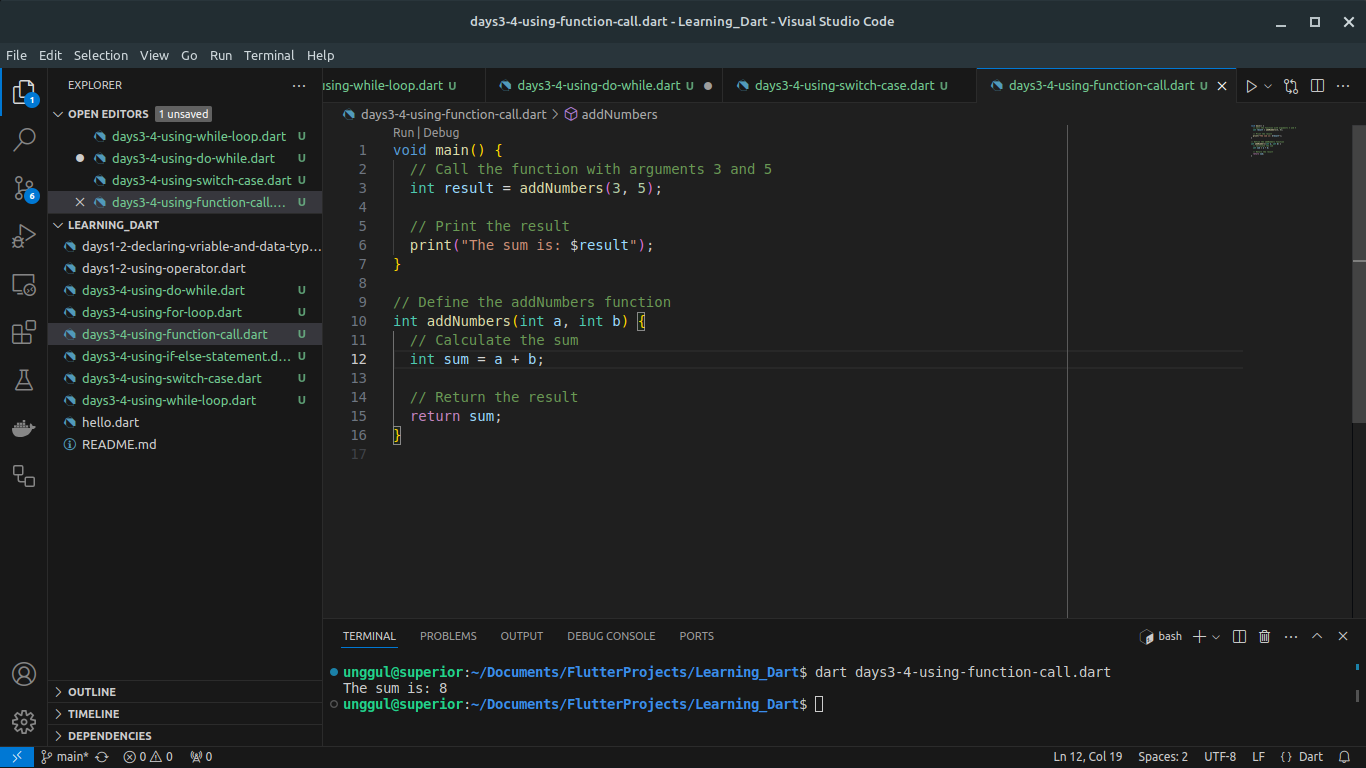
addfunction takes twointparameters and returns their sum.The
mainfunction callsaddand prints the result.
2.3 Anonymous Functions:
Anonymous functions are functions without a name, often used for short operations.
void main() {
  List<int> numbers = [1, 2, 3, 4, 5];

  numbers.forEach((number) {
    print(number);
  });
}
Explanation:
- The
forEachmethod takes an anonymous function and applies it to each element in the list.
Examples with Explanations
Example 1: Using If-Else and Loops
void main() {
  int number = 5;

  if (number % 2 == 0) {
    print('$number is even');
  } else {
    print('$number is odd');
  }

  for (int i = 1; i <= 10; i++) {
    print('$number x $i = ${number * i}');
  }
}
Explanation:
The program checks if the number is even or odd and prints the result.
It then prints the multiplication table for the number using a
forloop.
Example 2: Switch-Case with Functions
String getDayName(int day) {
  switch (day) {
    case 1:
      return 'Monday';
    case 2:
      return 'Tuesday';
    case 3:
      return 'Wednesday';
    case 4:
      return 'Thursday';
    case 5:
      return 'Friday';
    case 6:
      return 'Saturday';
    case 7:
      return 'Sunday';
    default:
      return 'Invalid day';
  }
}

void main() {
  int day = 4;
  print('Day $day is ${getDayName(day)}');
}
Explanation:
The
getDayNamefunction takes a day number and returns the corresponding day name using aswitch-casestatement.The
mainfunction callsgetDayNameand prints the result.
Visual Explanations
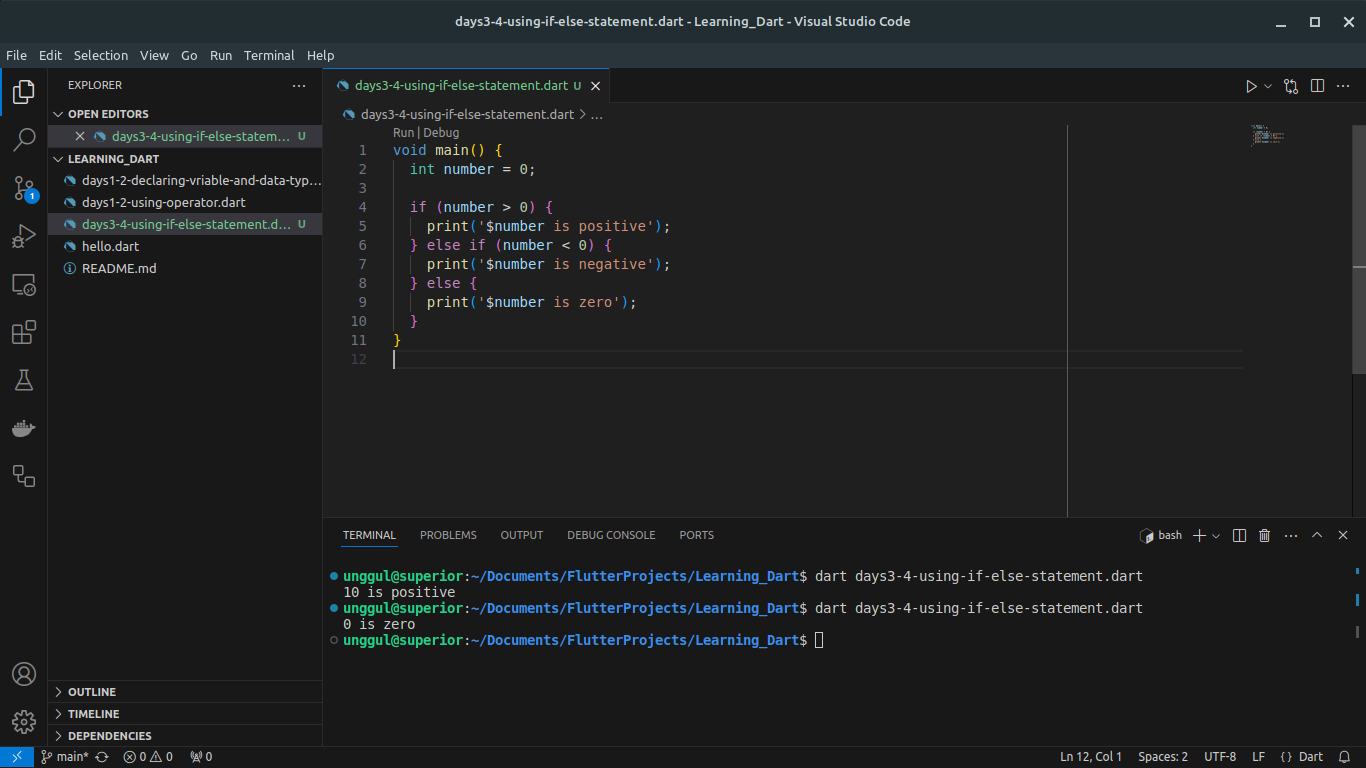
1. If-Else Statement:
Figure 1.1: Flowchart of an if-else statement.
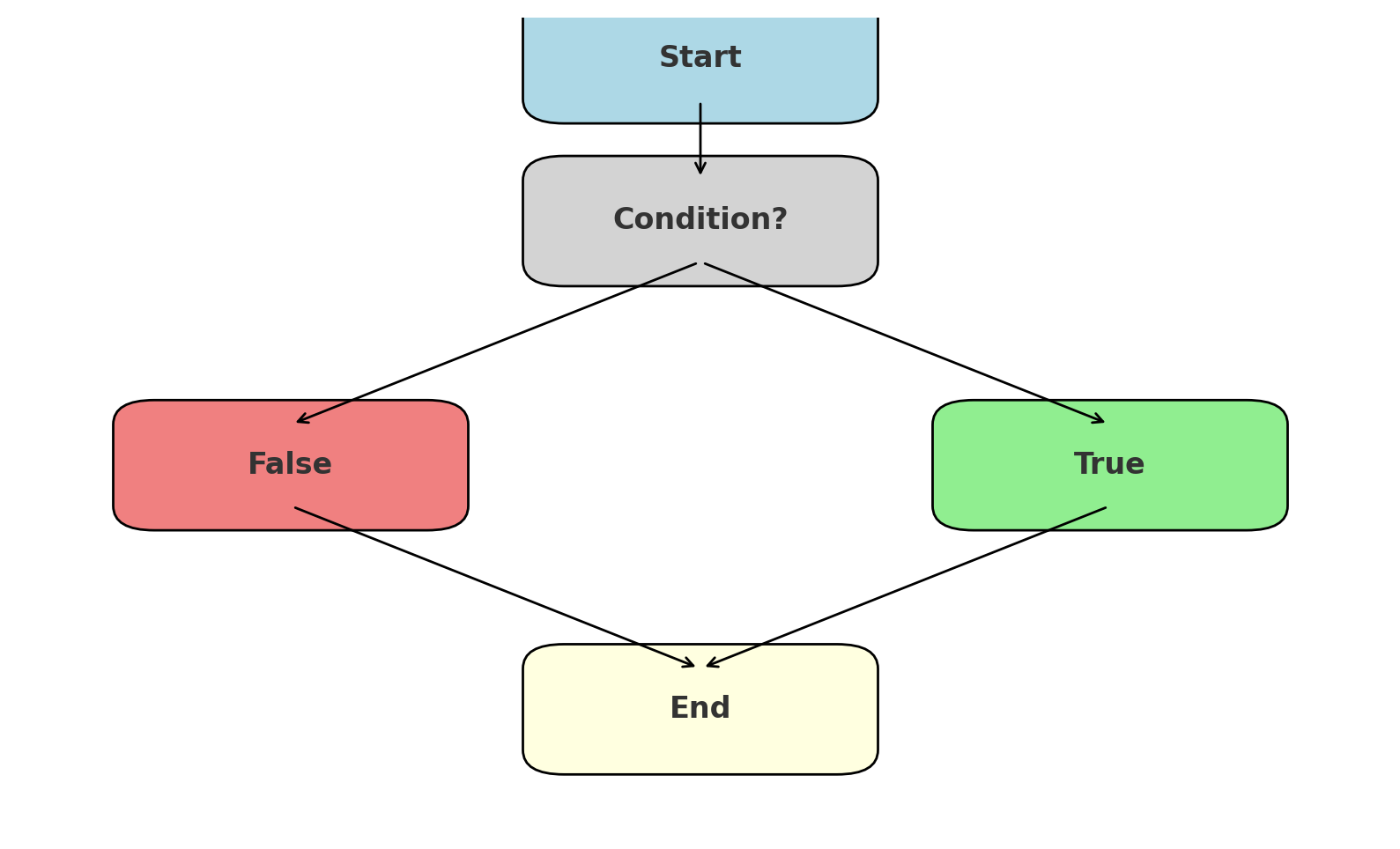
Figure 1.2: Example of using if-else statement in Dart.
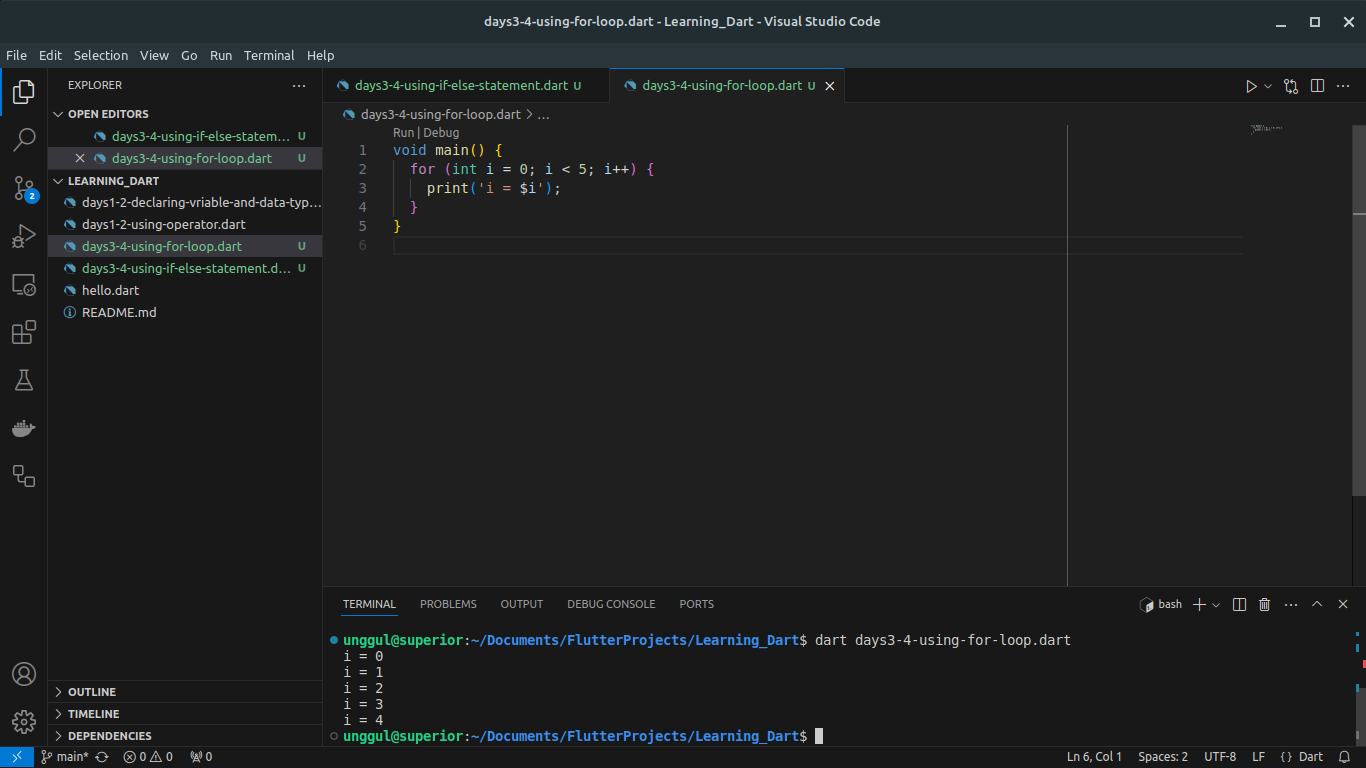
2. For Loop:
Figure 2.1: Flowchart of a for loop.
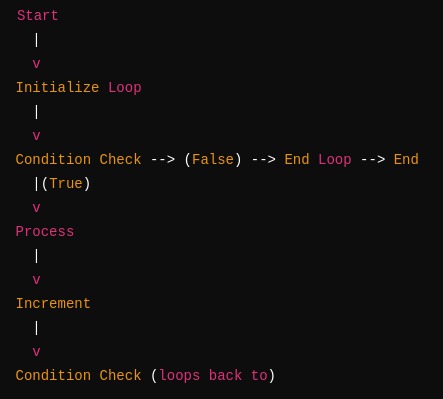
Figure 2.2: Example of using for loop in Dart.
3. While Loop:
Figure 3.1: Flowchart of a while loop.
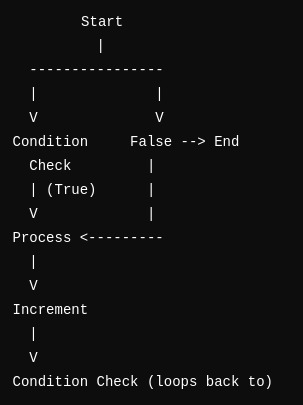
Figure 3.2: Example of using while loop in Dart.
4. Do-While Loop:
Figure 4.1: Flowchart of a do-while loop.
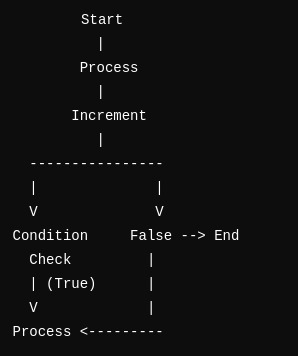
Figure 4.2: Example of using do-while loop in Dart.
5. Switch-Case Statement:
Figure 5.1: Flowchart of a switch-case statement.
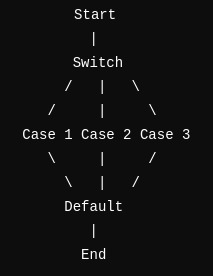
Figure 5.2: Example of using switch-case statement in Dart.
6. Functions:
Figure 6.1: Diagram of a function call.
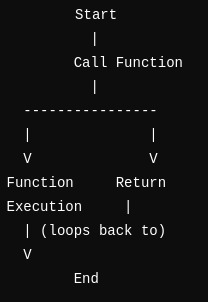
Figure 6.2: Example of using function call in Dart.
By following this guide, you'll have a solid understanding of flow control statements and functions in Dart, enabling you to write more complex and efficient programs. Happy coding!
About the author
I am a developer from Indonesia
Comments
Join the discussionNo comments yet. Be the first to comment.
Exploring Dart, Flutter, Serverpod for Stunning Apps
Exploring Shortcut Routes to Professionalism: Delving into Dart, Flutter, and Serverpod for Building Stunning Applications. Github repository : https://github.com/ahliweb/learning-dart


